

License details
Commercial
2.x Compatiabilty
37298
Multicolor Stock label (1.5.x , 2.x & 3.x ,4.x)
(3 reviews)
- $20.00 $19.00
Sold by an Official OpenCart Gold Partner
Free updates for 6 months, valid for one license only
Secure checkout, instant delivery
Facing an issue?
Raise a ticket
Demo Videos
See the extension in action before you buy — the live storefront, the admin panel and the complete video walkthrough.
Live Storefront Demo
Browse a real OpenCart store running this extension.
Admin Panel Demo
Explore the extension settings from the admin panel.
TMD is an Official Partner of OpenCart
View Profile: TMD OpenCart Extensions India
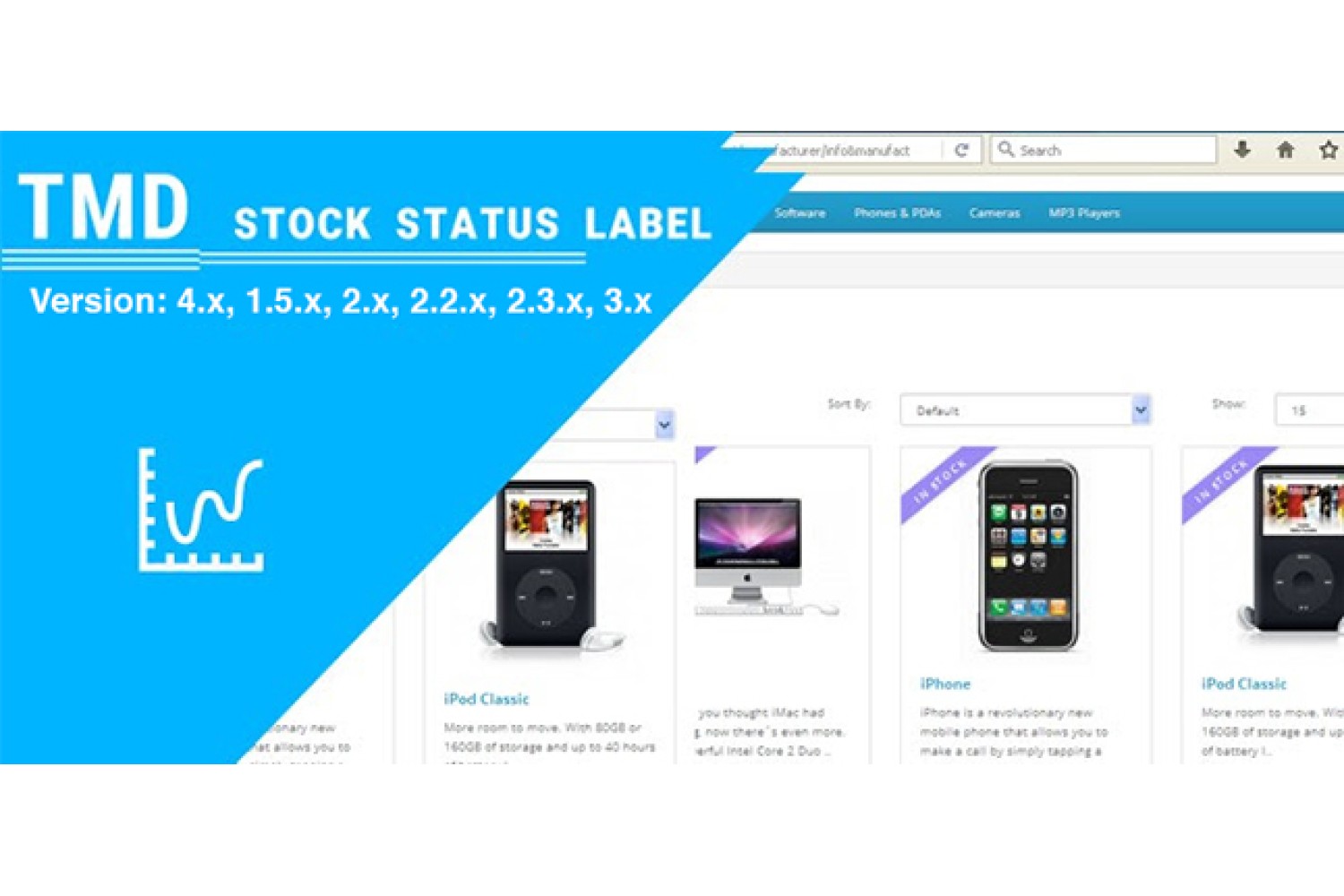
Overview Of TMD OpenCart Stock Label Module
This module will help the admin to add a stock label on the products. It will be one of the best solutions to give clear indications to customers about the product stock on the website. It will help customers to buy the product before it went out of stock.
Admin can assign a unique text and give the color of the label of the stock for better differentiation and assign stock labels to individual products. It will appear on the products list, and product page too.
This extension is working with default modules of OpenCart that use to show products on different pages of the website.
It works great with OpenCart multilingual websites and supports OpenCat versions 1.5x, 2x, and 3x.
Creating Stock Label With Color
Admin can create unlimited stock labels according to products. All the labels will be shown in the listview where the admin can edit or delete them.
Admin has to enter the name of the label, select the label text color, background color and that's it. It will take only 1 min to create a new stock label.
New labels will also appear in the listview along with older ones. Admin can always change the colors of all or one stock label to make it suitable for the assigned product.

Assigning Stock Label To The Product
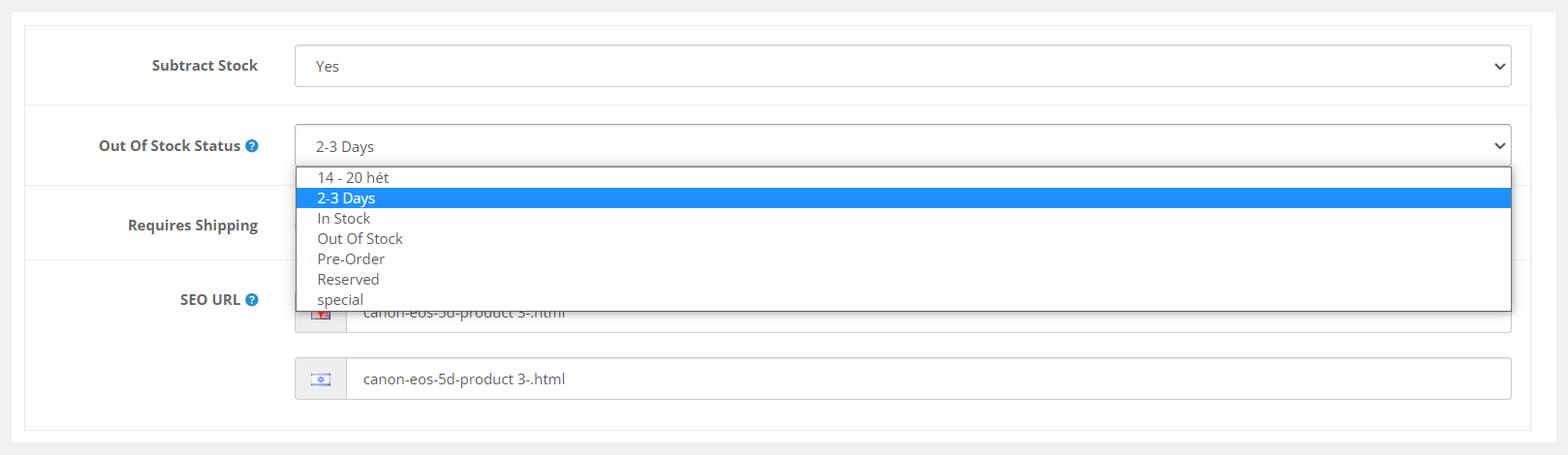
The process of assigning stock labels is one step of work. All the stock labels will be available in the dropdown of the stock label section on the product edit page.
The admin has to select the stock label after the substack stock option. OpenCart multicolor color stock label module will automatically show the stock label on that product.
Stock Labels Shows On Products
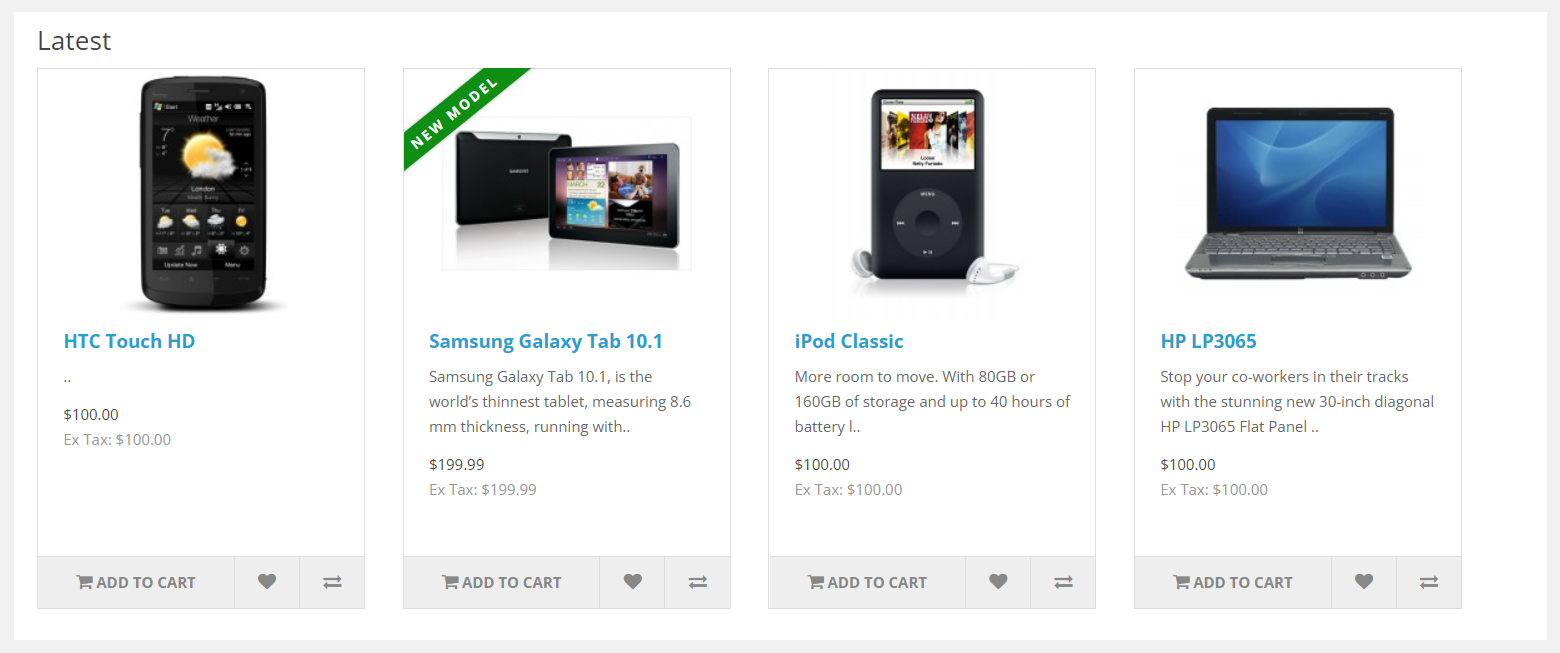
As soon as stock labels are assigned to the product, they will display on the products. It will also display on the product detail page.
The color of the label and background color will be the same as the admin has selected. A strip of the label will be shown on the top-Left corner of the product image.
To make the label design attractive, the admin can change the color of individual labels just by editing them. The module will adapt the size of the product image container and show the strip accordingly.
Working With These Default OpenCart Modules
This OpenCart stock label extension is working perfectly fine with the OpenCart default module. The products that display under these modules will have the stock label automatically.
Some default modules are the latest, featured products, specials, bestsellers, etc. Therefore, the stock labels will display on all the products across the website.
Compatible With Multi-langauge Websites
OpenCart multicolor stock label extension supports all multilingual OpenCart websites. This extension will display all the active languages present on the website in the different-different input field having the country flag and language name for better understanding.
This module will automatically check the language of the website whenever it changes, and takes the same language text from the setting.
Supports All OpenCart Themes
OpenCart extensions and themes are following the official documentation. Therefore, our OpenCart stock label module works on all OpenCart themes.
Sellya, Shoppica, Faster, Journal, Sellegance, e-Market, Bigshop, and SimpleGreat are a few names of OpenCart themes. At the run time, product stock labels are added to the product through XML technology.
If you created a custom OpenCart theme for your own website that fits your requirements. Our extensions will work perfectly.
OpenCart 1.5x, 2x and 3x Version Supports
OpenCart multicolor stock label extension works on OpenCart 2x, and 3x versions. It is tested up to OpenCart 3.0.3.8 version. Also working with lower of OpenCart 1.5x.
Recommended OCMOD and VQMOD are used to develop the OpenCart extension. No core files of the website will change or replace at the time of installation of this module.
Support
Free installation is available after purchase. If you have any suggestions or pre-sale questions, looking for support? Please create a ticket. Our team will reach you as soon as possible.
Full Documentation
Compatiabilty
| Supported OC Versions | 1.5.6.4 , 1.5.6.3 , 1.5.6.2 , 1.5.6.1 , 1.5.6 2.0.0.0 2.1.0.2 , 2.1.0.1 , 2.0.3.1 , 2.0.2.0 , 2.0.1.1 , 2.0.1.0 2.2.0.0 2.3.0.2 , 2.3.0.1 , 2.3.0.0 3.0.3.8 , 3.0.3.7 , 3.0.3.6 , 3.0.3.2 , 3.0.2.1 (Beta) , 3.0.2.0 , 3.0.1.2 , 3.0.1.1 , 3.0.0.0 , 3.0.3.9 , 3.0.4.0 4.0.2.3 , 4.0.2.2 , 4.0.2.1 , 4.0.2.0 , 4.0.1.1 , 4.0.1.0 , 4.1.0.0 , 4.1.0.1 , 4.1.0.2 , 4.1.0.3 |
| VQMOD Required | YES |
| MultiStore Support | No |
| Support | yes |
| Update | yes |
Related Products

Modules
Product Youtube Video (Multilanguage Support) 1.5.x
TMD is an Offical Pa..
(11)
1.5.x
$29.99
$28.49



Modules
News - Article Blog Module (1.5.x and 2.x,3.x,4.x)
.tab-description-new..
(4)
2.x
$20.00
$19.00