Bestseller







Commercial
See the extension in action before you buy — the live storefront, the admin panel and the complete video walkthrough.
Browse a real OpenCart store running this extension.
Explore the extension settings from the admin panel.
View Profile: TMD OpenCart Extensions India
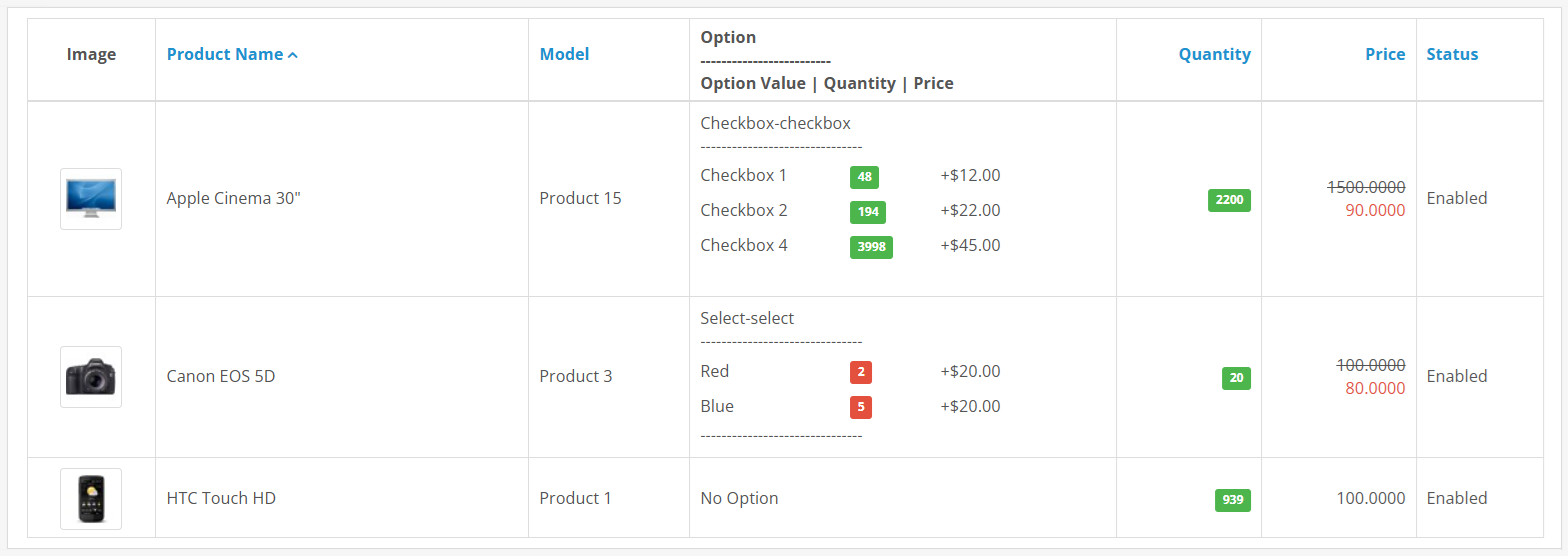
Below the import and export section, you can see a list of products present in the store with options for stock and price. Here admin can check which product option has low or high stock. Thus, it helps the admin maintain the stock effectively without any hassle.
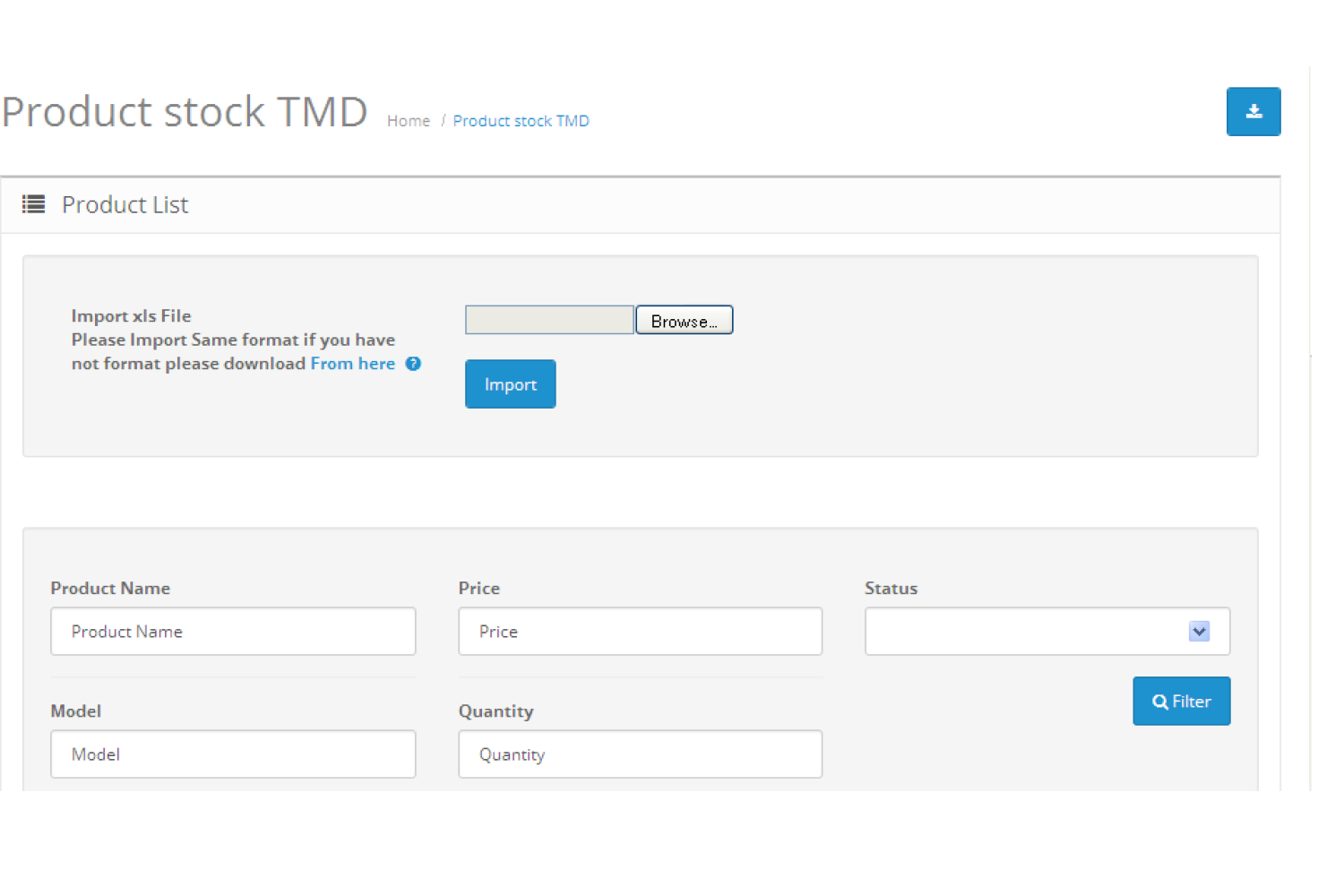
A sample import file format is given to check the format of data that this module supports. It is also compatible with the latest version of OpenCart as well as the 2x and lower versions.

To reduce the time of managing the product stocks, the OpenCart Price And Stock Update module made a list of products with pagination, just like the product list page. Admin can easily recognise the product by name and image. Also, all options are present with stock quantity and price information for better understanding.
Here, options are shown according to type. For example, if an option is like a radio button, then option information will be shown under the radio button type and the same with other option types.
To make the product stock updation process easy, this opencart product price, stock, and option extension has given a link to download the sample import file. Admin can use this file as a template and arrange the imported product information according to the sample file.
Also, this extension only supports the XLS file format for import. Admin must use an xls file to import the product stock. Here is the download link to the Sample Product Stock Update Import File
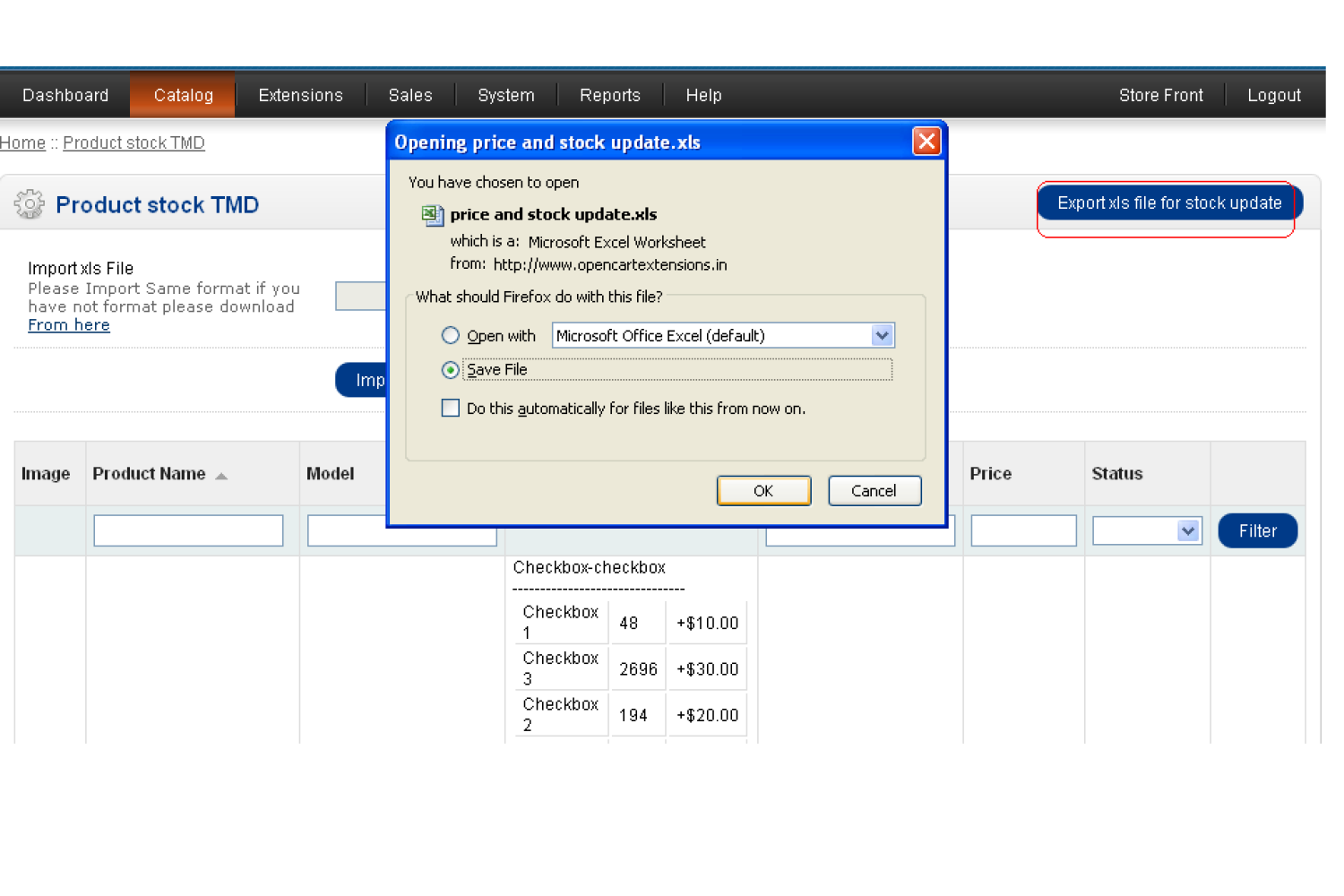
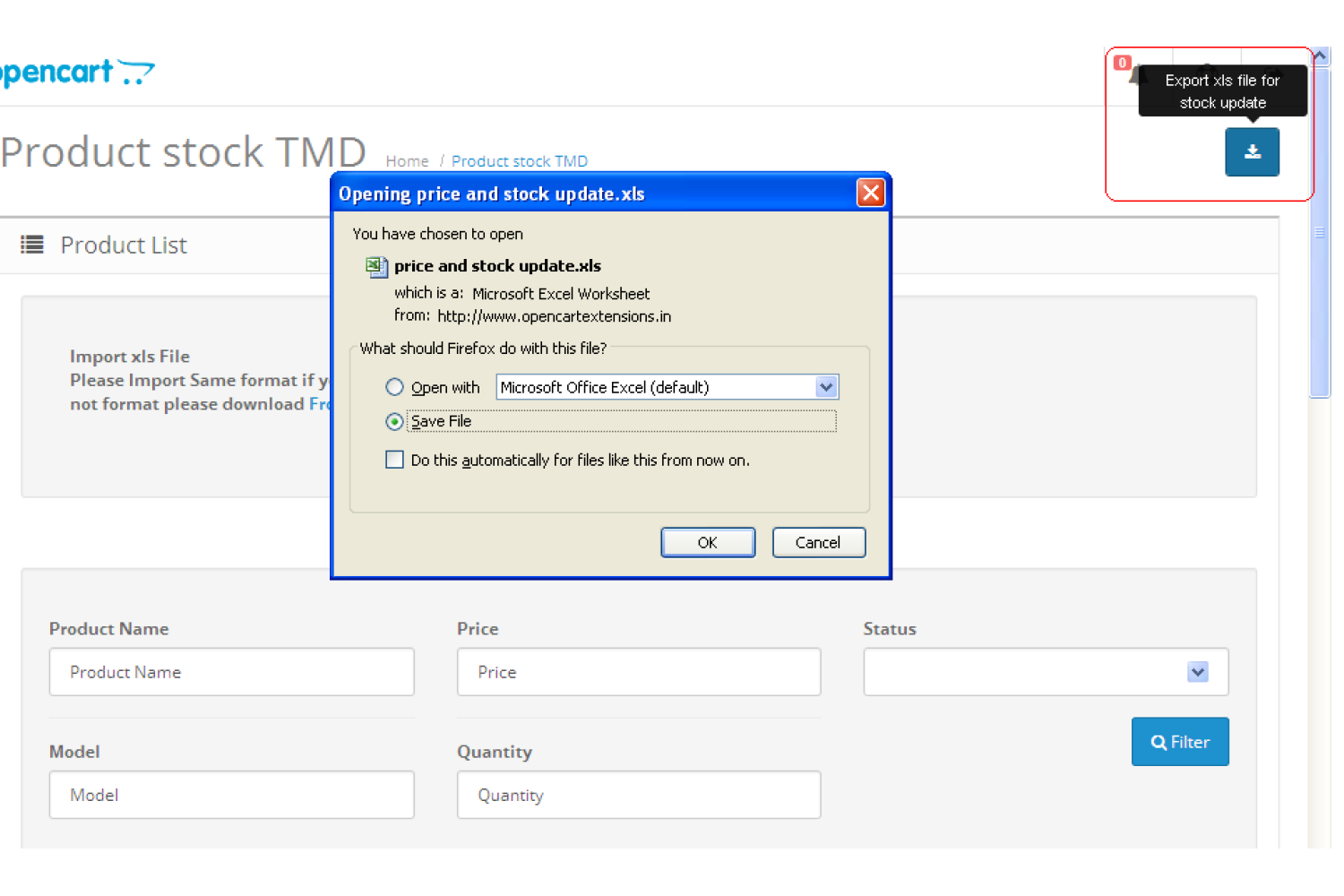
Just a click, you can download the complete list of products with essential information such as product name, id, model, quantity, status, and options. Perfect for doing regular backups, generating reports, or sharing with your staff—no tech expertise required!
Easily export all product details from your OpenCart store into an XLS file—perfect for store owners who want full control over their inventory. You can use this exported file to quickly review, update, or share product data in Excel.
This filter is present right below the import and export section. Simply keep your OpenCart stock in check with advanced product filtering. Search instantly by product name, quantity, status, price, or model—with partial matches for model and name, which makes it easy to locate precisely list of products with lower stock.
The module shows the full product list by default with major information such as name, image, quantity, status, and available options.
Utilize filters to fast locate products that are low in stock, so you can maintain your store in sync and prevent lost sales. After importing products, just refresh the page to see the updated stock information on the product list.
This extension is developed using OCMOD and goes through various unit tests to make sure its functionality works as described. It is tested with the latest version of OpenCart.
It is compatible with lower to higher versions of OpenCart 2x, 3x and 4x. This ensures seamless installation and reliable performance no matter which version of OpenCart your website is using.
Any questions or suggestions are most welcome. If you have any kind of questions, suggestions, or are looking for support. Please create a ticket.
| Supported OC Versions | 1.5.6.4 , 1.5.6.3 , 1.5.6.2 , 1.5.6.1 , 1.5.6 2.1.0.2 , 2.1.0.1 , 2.0.3.1 , 2.0.2.0 , 2.0.1.1 , 2.0.1.0 , 2.0.0.0 3.0.3.6 , 3.0.3.2 , 3.0.3.1 , 3.0.3.0 , 3.0.2.0 , 3.0.1.2 , 3.0.1.1 , 3.0.0.0 2.3.0.2 , 2.3.0.1 , 2.3.0.0 , 2.2.0.0 3.0.3.8 , 3.0.3.7 4.0.2.3 , 4.0.2.2 , 4.0.2.1 , 4.0.2.0 , 4.0.1.1 , 4.0.1.0 , 4.0.0.0 , 4.1.0.0 , 4.1.0.1 , 4.1.0.2 , 4.1.0.3 3.0.3.9 , 3.0.4.0 |
| VQMOD Required | YES |
| MultiStore Support | No |
| Support | yes |
| Update | yes |




Modules
TMD is an Offical Pa..


Modules
.tab-description-new..





Modules
.tab-description-new..