Support Introduction
Mostly we
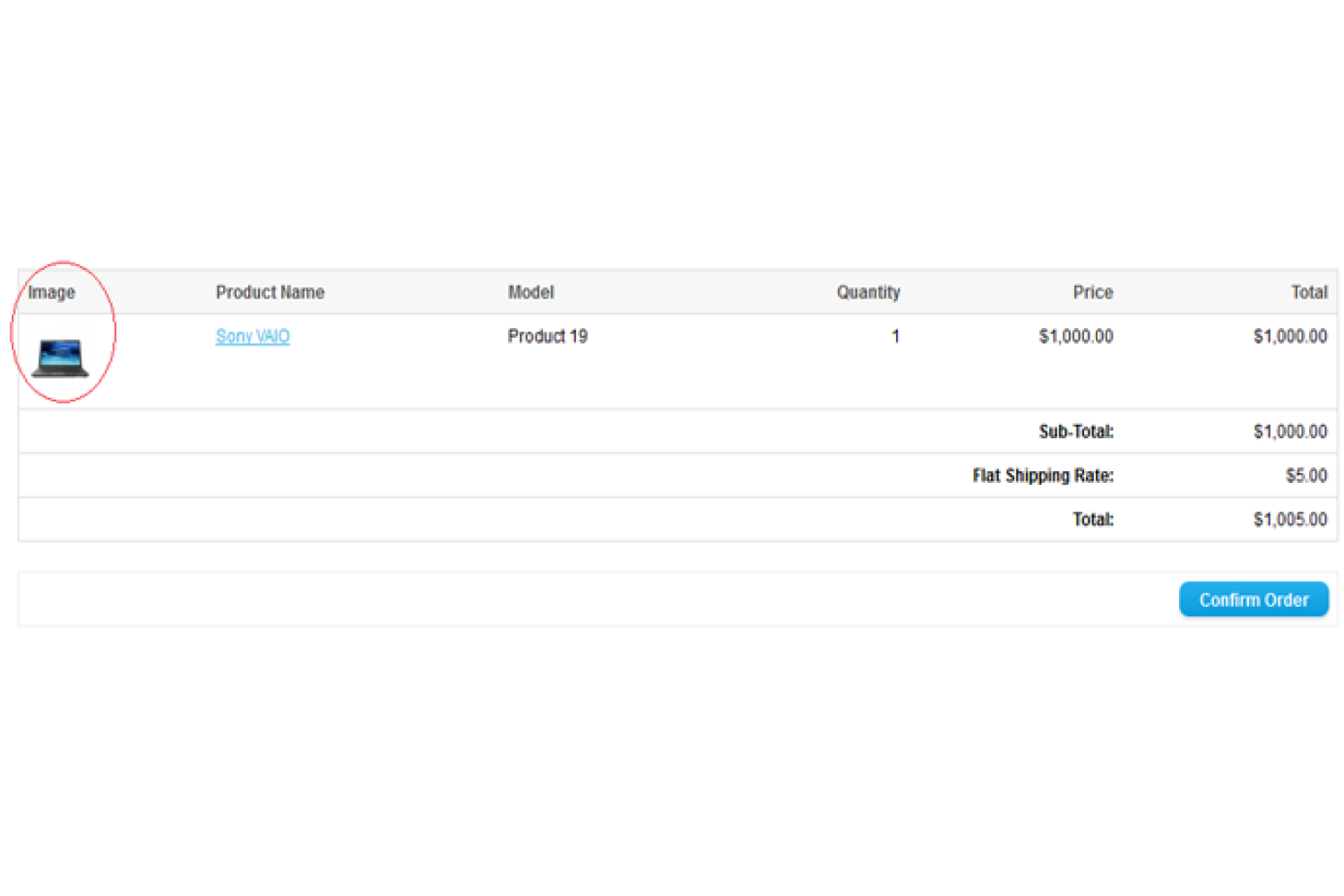
saw product image not present in some location in our store as the order history
page in admin, checkout confirm page, and in order email also. So that we make a
module for your store that shows images on that page where missing product image.
After applying This extension displays product images to the admin and front of the site. it
shows images in the Order history(admin), Confirm order(front checkout), and then got an email in which shows the product Image. Now pay a little amount for this module and
get a big benefit for your store. Our all modules will not affect any core file of
OpenCart so it will not issue during updating OpenCart.
Features
* Easy installation
* Fast loading and sleek
* Free support
* No core file changes
* Vqmod must install
Usage
1. Go to Administration Panel
2. Go Sales-> Order-> view-> Products Tab.
3. In front of the site then you will add a new product and confirm the order here you will see the product image.
4. Then you will view your order history in front of the site you will see the product image.
5. then you got the email in your account which displays the product image.
Support
If you have a suggestion or pre-sale questions, or looking for support. Please create a ticket. We will get back to you as soon as possible.





-106x50.png "OpenCart Point Of Sale")