• Let's Talk
OpenCart Point Of Sale

OpenCart Point Of Sale OpenCart Point Of Sale OpenCart Point Of Sale OpenCart Point Of Sale OpenCart Point Of Sale OpenCart Point Of Sale OpenCart Point Of Sale OpenCart Point Of Sale OpenCart Point Of Sale

License details

NO -DATA

NO -DATA Compatiabilty
76400

OpenCart Point Of Sale

(23 reviews)
  • $99.00 $94.05

Go to Cart
Sold by an Official OpenCart Gold Partner
Free updates for 6 months, valid for one license only
Secure checkout, instant delivery
Facing an issue? Raise a ticket

Demo Videos

See the extension in action before you buy — the live storefront, the admin panel and the complete video walkthrough.

Live Storefront Demo

Browse a real OpenCart store running this extension.

Admin Panel Demo

Explore the extension settings from the admin panel.

YouTube walkthrough

A full recorded walkthrough covering installation, a sample CSV import, matching by Product ID or Model, and exporting with filters.

OpenCart Point of Sale (POS) System | Retail & Store Billing Extension

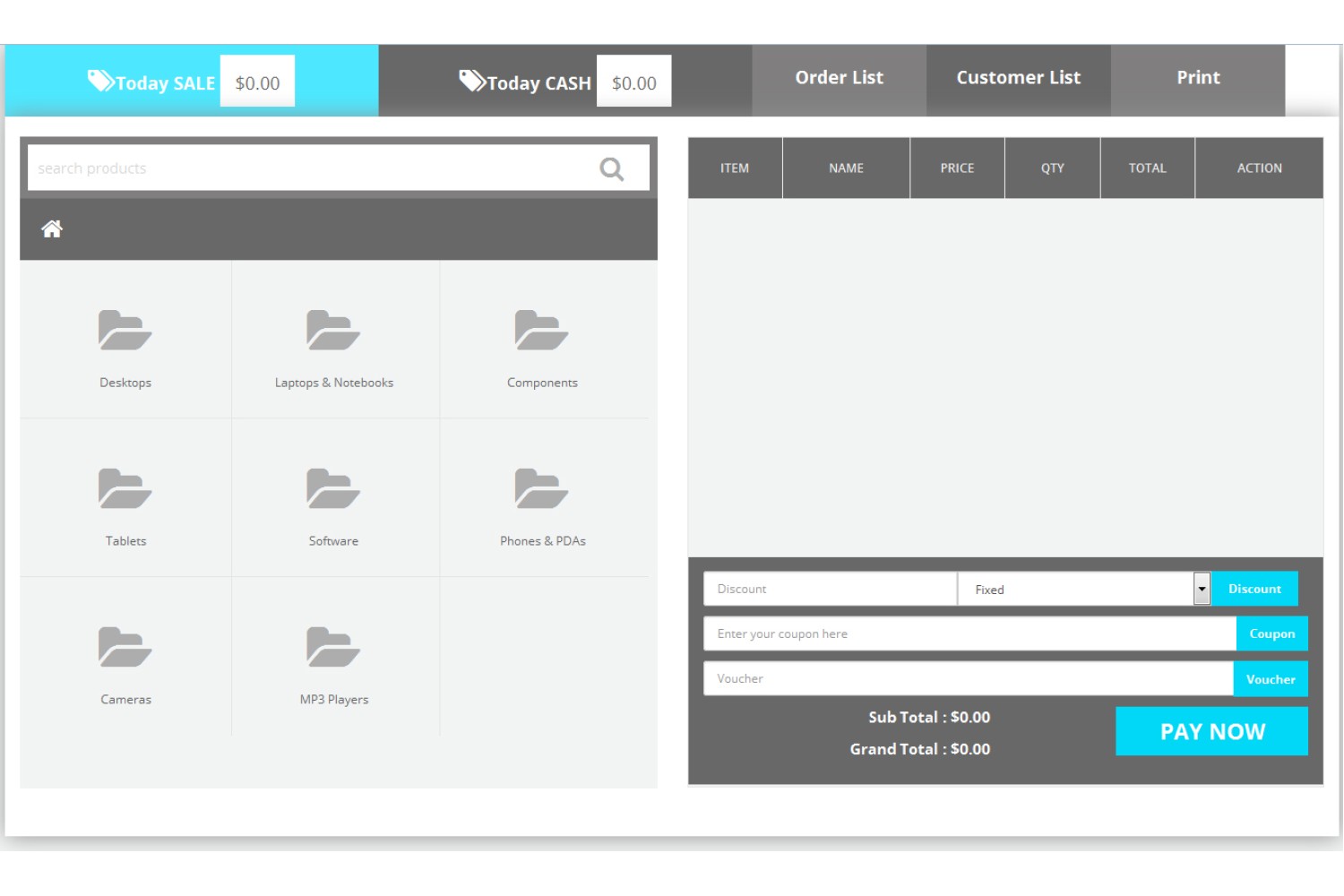
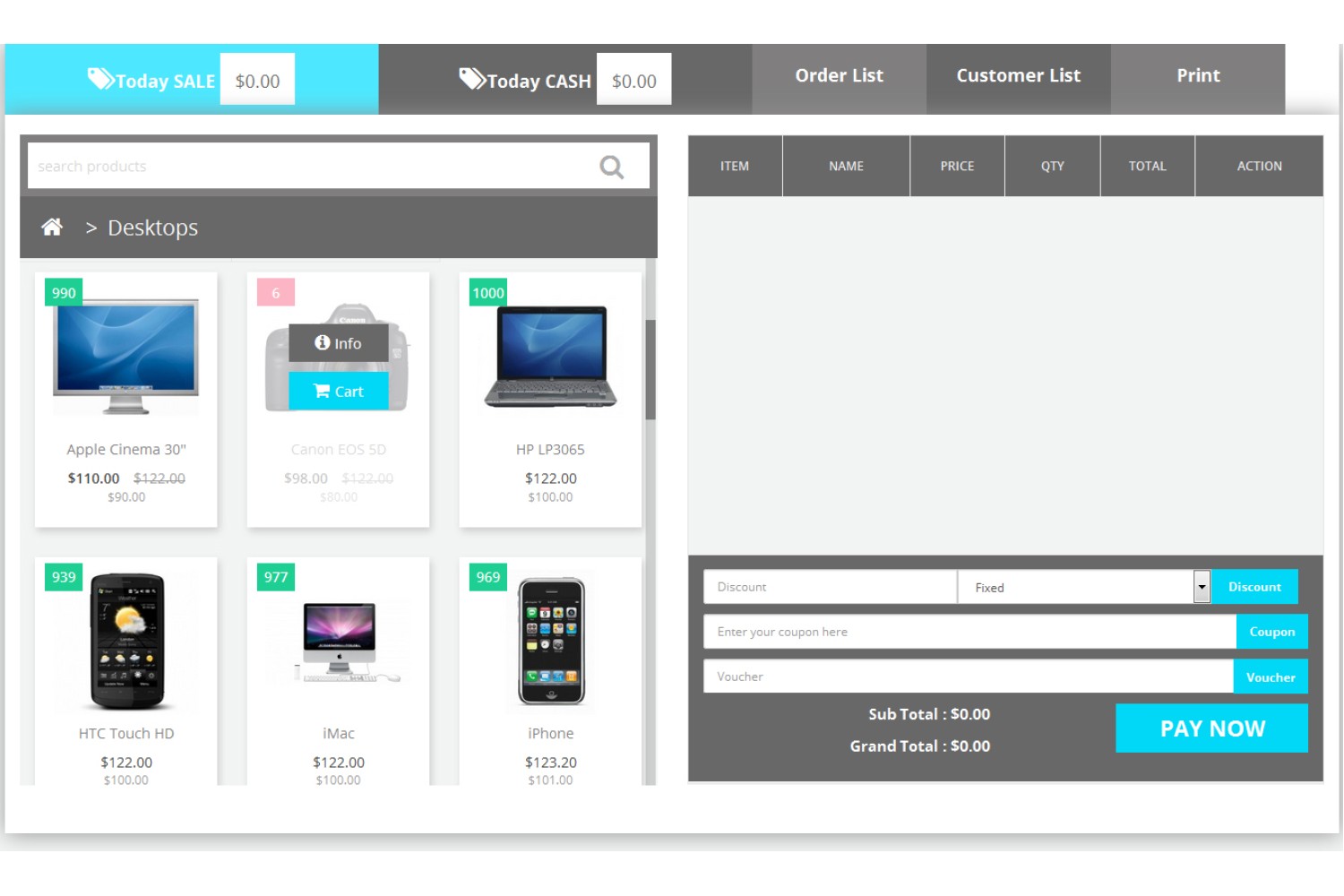
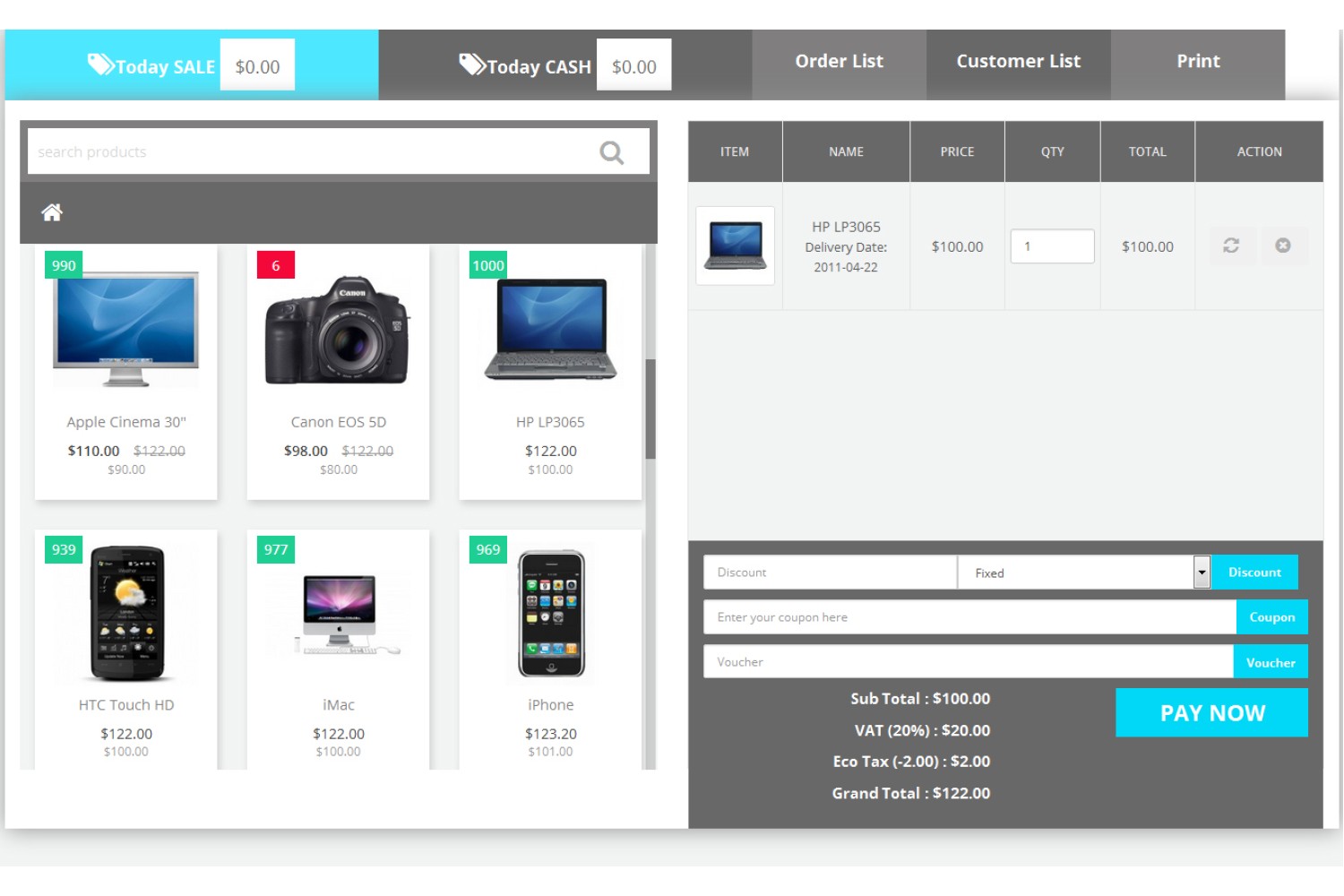
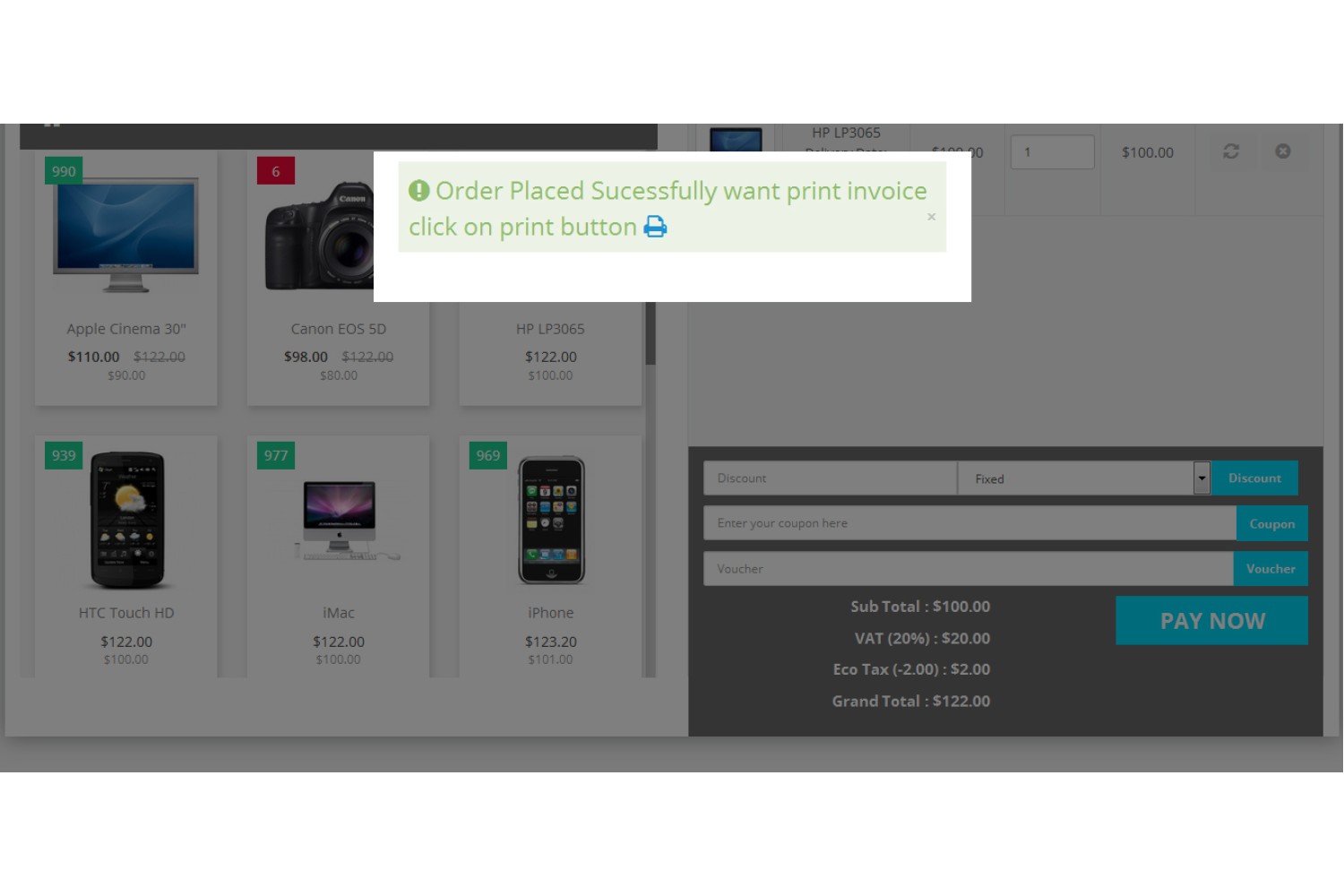
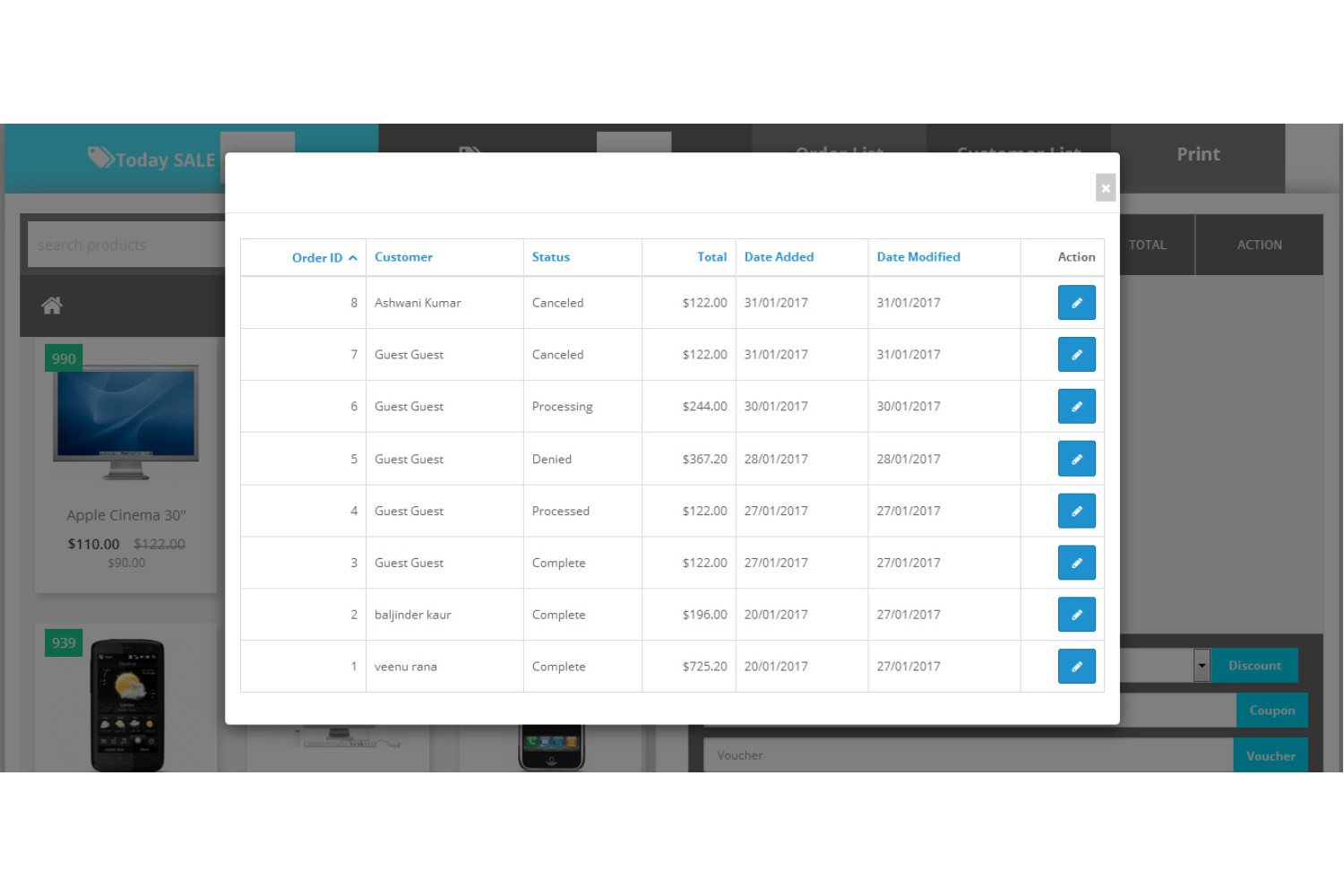
Turn your OpenCart store into a complete Point of Sale (POS) system. Manage walk-in customers, process sales, sync inventory in real time, accept split payments, print receipts, and track reports—all from a single dashboard. Whether you operate one store or multiple retail outlets, this extension keeps your online and offline business perfectly synchronized.

Why Choose OpenCart POS?

  • Faster Billing Complete transactions in seconds with an intuitive POS interface.
  • Live Inventory Sync Automatically update stock across your online and offline stores.
  • Customer Management Manage guest and registered customers from one place.
  • Flexible Payments Accept cash, card, split, and partial payments effortlessly.
  • Smart Reports Monitor sales, inventory, and staff performance in real time.
  • Multi-Store Ready Manage multiple retail outlets under one OpenCart installation.

Key Features

How it Works

Prerequisite: OpenCart Point Of Salemust already be installed and active on your store.

1
Upload the Extension Package

Under 2 minutes. Upload the OCMOD package file via your OpenCart Admin → Extensions → Installer. No core system files are overwritten.

2
Refresh Modifications

System activation. Navigate to Extensions → Modifications and click Refresh to apply the modification hooks cleanly.

3
Add Your Warehouses

Set up fulfillment locations. Create, edit, or remove warehouses inside the module's admin panel.

4
Assign Products & Go Live

Route fulfillment. Link products to their responsible warehouse and begin routing orders for maximum fulfillment efficiency.

Compatiabilty

Supported OC Versions 2.0.3.1 , 2.0.2.0 , 2.0.1.1 , 2.0.1.0 2.3.0.2 , 2.3.0.1 , 2.3.0.0 3.0.3.7 , 3.0.3.6 , 3.0.3.2 , 3.0.3.1 , 3.0.3.0 , 3.0.2.0 , 3.0.1.2 , 3.0.1.1 , 3.0.0.0 2.2.0.0 2.1.0.2 , 2.1.0.1 4.0.2.3 , 4.0.2.2 , 4.0.2.1 , 4.0.2.0 , 4.0.1.1 4.1.0.0 , 4.1.0.1 , 4.1.0.2 , 4.1.0.3
VQMOD Required No
MultiStore Support No
Support yes
Update yes

Companies we've Worked With

Write a review

Note: HTML is not translated!
    Bad           Good
Faq

Frequently Asked Questions

Everything you need to know before installing or requesting a custom module.

Yes. The extension is compatible across all major OpenCart versions (2.x, 3.x, and 4.x). It's built to work with your existing store setup without requiring a platform migration.
No. The OpenCart POS module works directly with your live online OpenCart store, so an active internet connection is required. Offline billing/invoicing without sync is not supported.
Yes. Admin can create multiple users/sales agents and assign each to a specific outlet. Products can be assigned to a single location or kept global to appear across multiple outlets.
No. The POS system handles billing, inventory, and payment recording (cash, card, EFTPOS) within the software, but it does not physically integrate with a cash drawer or card-swiping hardware.
Yes. The Split Payment feature allows a customer to pay part of the bill by cash and part by card (or other methods) on the same invoice. Partial payments are also supported, with the remaining balance tracked against the customer for later settlement.
Yes. The POS runs through a web browser, so it works on Android tablets as well as Windows devices — no dedicated Windows POS terminal is required.
Yes. When receiving new inventory, you can generate barcode labels and choose exactly how many copies to print per product — a quantity field lets you set the number of labels needed for each item.
Yes. The POS module installs directly into your existing OpenCart store as an extension — there's no separate platform or standalone install. Once activated, it runs alongside your regular OpenCart admin.
Yes. The POS system includes a "Non-Catalogue" option specifically for this — allowing you to bill physical-store-only items that aren't part of your online product listings
When a customer makes a partial payment, the remaining balance is tracked against their customer record in the reports. You can look up outstanding dues per customer from there and settle it on their next visit or invoice.

Ready to Grow Your OpenCart Store with Content Marketing?

Build a professional, SEO-friendly blog that attracts more visitors, improves search rankings, engages your audience, and increases product sales. The OpenCart Advanced Blog Module gives you everything you need to create, manage, and optimize high-performing content—all within your OpenCart admin panel.