Overview Of TMD Opencart Footer Menu (Multilanguage supported) 1.5.x
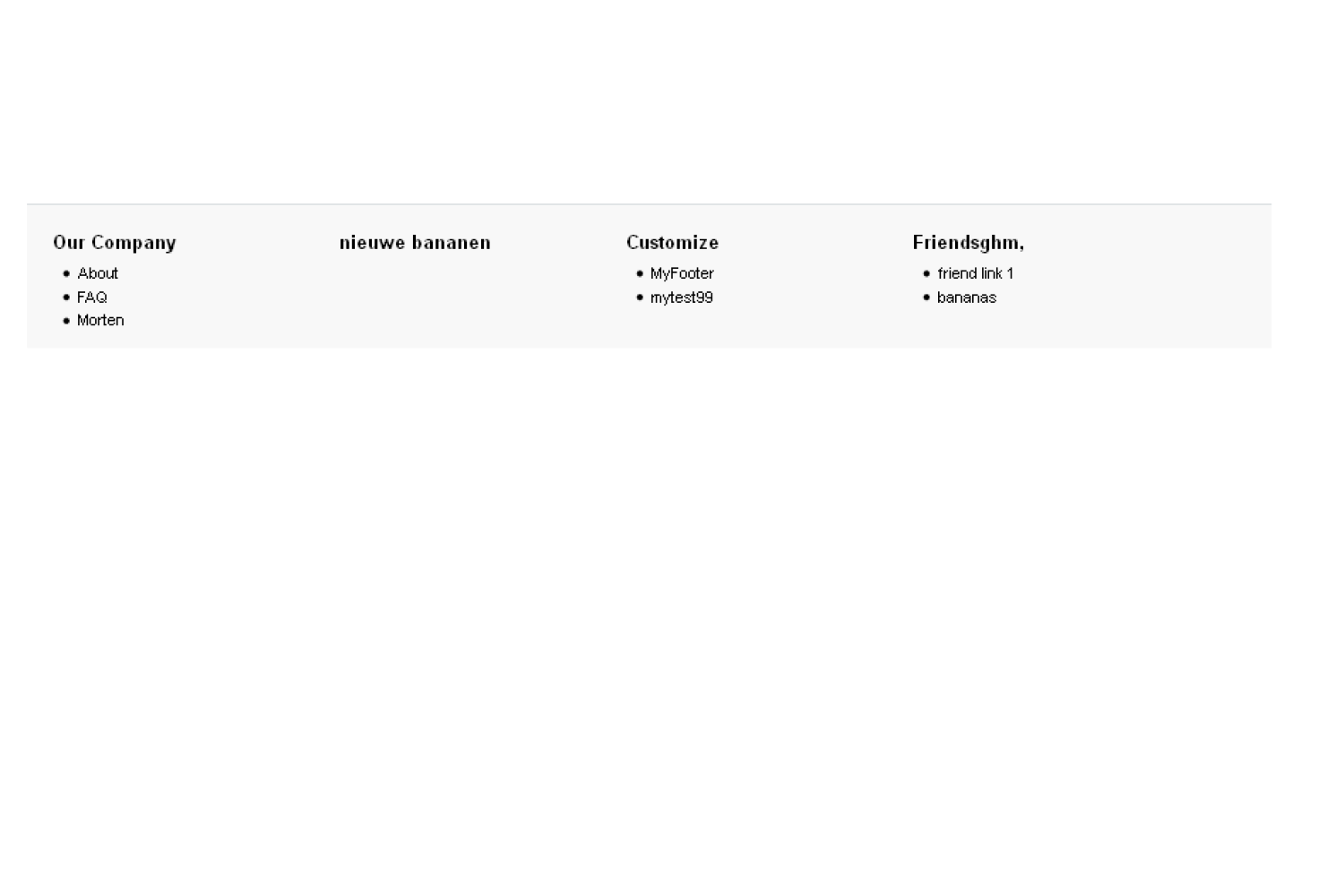
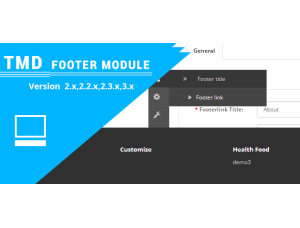
We created an extension that is the custom footer menu. It’s fully dynamic from admin. The module will allow the admin to manage the complete footer, like the footer's main heading, and subtitles with links. Now you can add some important data useful for your customer. Our all modules will not affect any core file of OpenCart so it will not issue during updating.
We created an extension that Custom header menu from the admin easy to manage.
You can find OpenCart version 2.x and above the compatible version of the OpenCart footer menu extension. This module is compatible with 1.5.x versions of OpenCart.
- No Core File Changes
- Just VQMOD required
- Multilanguage support
Edit Footer Menu Title And Links
The Footer menu title and menu links are editing. Admin can set the title of 4 sections of the footer. In the footer title setting, Admin set one of 4 section titles and set the sort order of title of the section.
Sort order used by the module to show the title in the same sequence on the footer. Admin can change the status of the title to display and hide it from the footer.
Menu Link setting is used to set the links of the footer menu that display after the footer section title. Here admin enters the title, and link of the page where the user will be redirected after clicking, Select the title of the footer that was created before. The menu link will be displayed below of selected title.
Sort numbers and make sure to set the order of menu displays vertically.

OpenCart Footer Menu Working Perfectly With Multi-Language
If you are website has multiple languages installed and working perfectly. All the installed languages will be shown in tabs where the admin will enter footer sections titles and menus in respected language. Menus shown on the footer are a change to respected language when customers changed their language.
TMD always cares about customers and clients. That is why all modules and themes created multi-language compatibility. It works seamlessly with multi-languages.
Support
If you have any suggestions or pre-sale questions, looking for support. Please create a ticket. Our team will reach you as soon as possible.