TMD OpenCart GHS Hazard Pictograms and Description Module
This module uses to provide health-related issues that could happen if the product is mismanaged. It will be useful for people to read this kind of information.
Admin can show an appropriate image with the heading. Also can write a description of handling the product. Admin can show multiple hazard pictogram information on a single product. It is easy to use and shows the product page.
This Module Lets You Do Various Things
Using OpenCart Health hazard extension lets the admin create a list of health hazard issues. This information will let your customers handle the product with ease. Admin can easily select issues while product editing. And it will show on the product page. We have listed out the complete work functionality you will do with this extension.
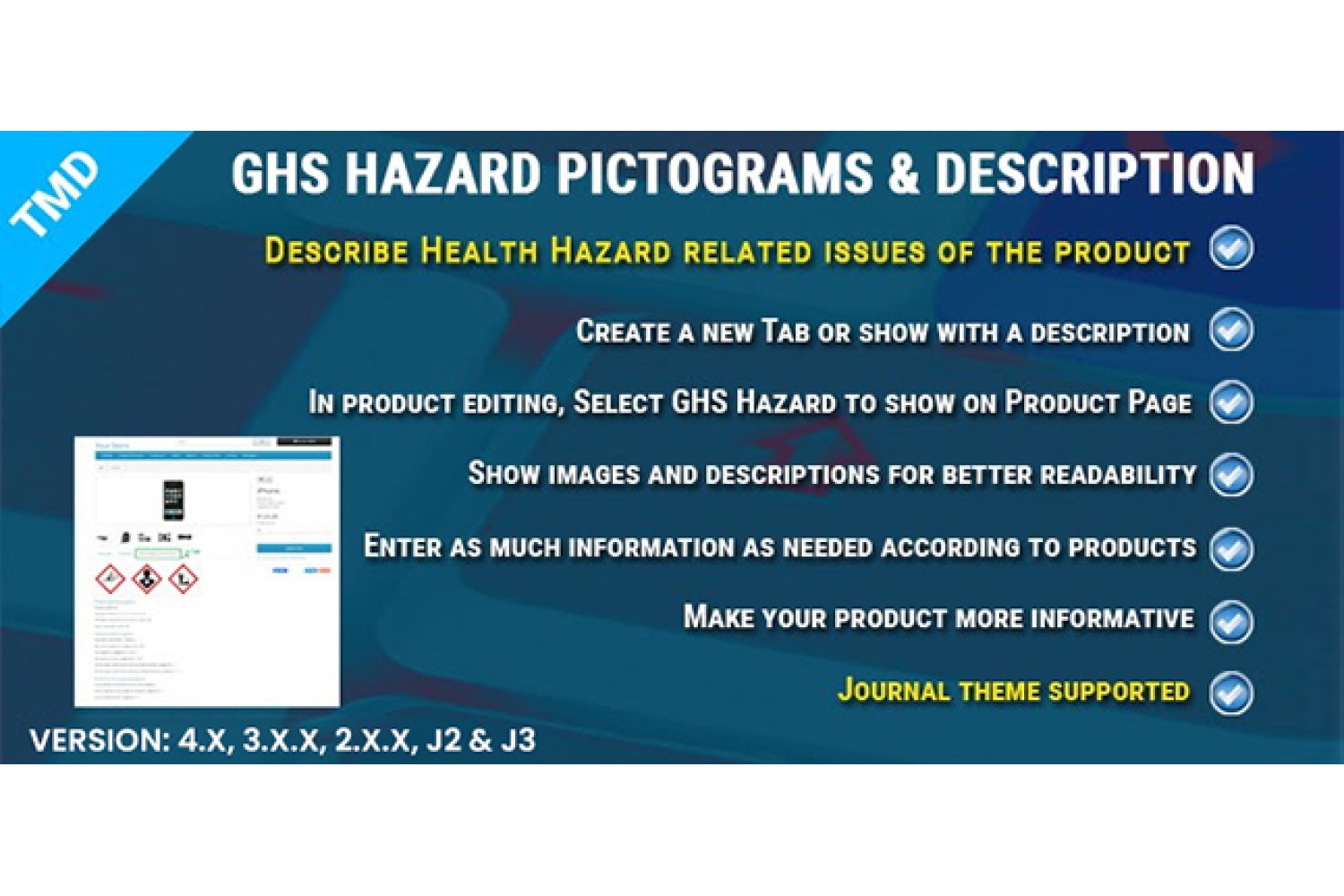
Describe Health hazard related issues of the product.
Create a new tab or show it with a description.
Show GHS hazard on the product Page.
Show images and descriptions for better readability.
Enter as much information as needed according to products.
Make your product more informative.
Information Admin Can Display in Health Hazard Section
The website can show information such as described or shown in physical products. Installing this module into your website makes a section, where the admin creates unlimited health hazard issues.
Admin can select an image of issues, heading, and description. This information is shown on the product page as shown on the product page. So it will be clear for everyone who reads it.
Image
Title
Description
Multiple Layouts To Show On The Product Page
Admin can select one layout out of 2. The selected layout will be used to show health hazard information on the product page. Layouts are well created, and all information will fit nicely.
Two layouts are normal, table layouts. From the setting page, the admin can select the layout. The module will automatically create a layout on the product page and show information.
Bottom of Description:
Selecting this layout as a layout, creates a new section below the description, on the product page. It displays all the information. Also, it shows health hazard information in linear. One after another will be shown.
Show in Tab:
It is good to have a new tab along with a description. OpenCart health hazard extension lets you create a new tab on the product page and show its data in the newly created tab.
The name of this tab is taken from the setting, Display tab name. The name can be multi-language. If your website supports multi-language then in the setting, the admin can enter the name of the tab in multiple languages.
OpenCart Health Hazard Extension Setting
The module has multiple things in the setting, admin can give a status of the module to either work or not. Selecting status as enable will let it display on the product page.
Write the title of the health hazard section, it will be shown as the heading of the section. Here, the admin can select the layout, normally. It also can show an image with its own dimensions. Admin can enter a new image dimension that looks good on the website.
Admin can enter the title of the Health hazard section. And this title will be shown on the front product page.
Status: Enable/disable
Name:
Layout:
Display Pictogram Title :
Size of image:
Multi-Language Compatible.
TMD cares about their customer and client. That's why we create all modules and themes multi-language compatible. Your website uses non-English language.
Supports OpenCart 2.x and 3.x versions
TMD specially made this module work on OpenCart versions 2.x and 3.x versions. A module can be easily installed via the upload module section in admin, on your website. Because this module uses OCMOD. Which does not overwrite OpenCart core files.
Your website remains untouched. All your work will work after the installation TMD module.
Our all modules, extension, and themes are plug-and-play. Just install and you are ready to use them right away.
Support
Got pre-sale questions or have questions about support. Please create a ticket. We will help you to get it working.